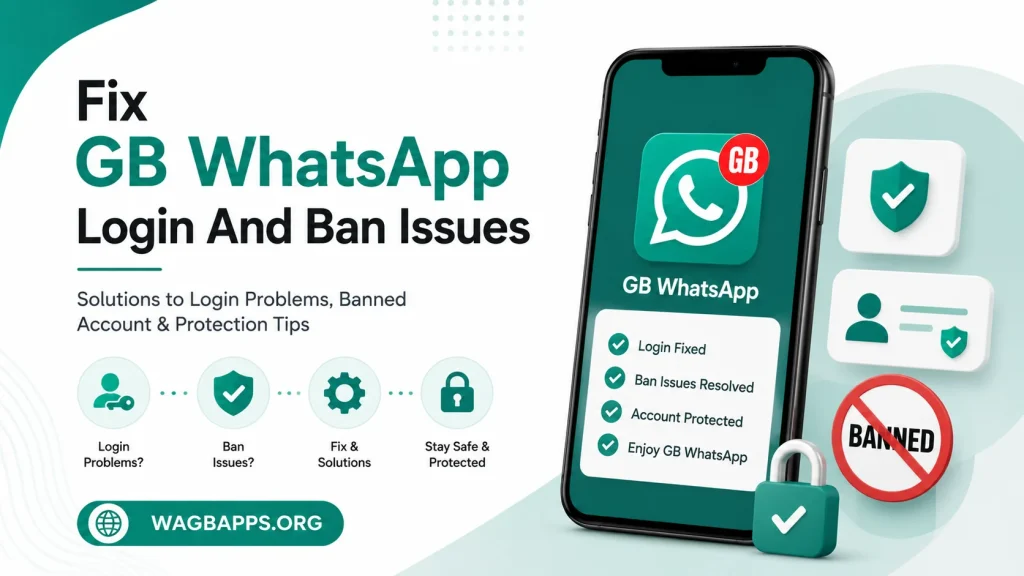
Fix GB WhatsApp Login And Ban Issues: Complete 2026 Troubleshooting Guide
Login errors and account bans are the two most common complaints reported by GB WhatsApp users, and both usually come down to a handful of predictable causes. This guide walks through exactly why these issues happen and how to fix them, covering login failures first and ban prevention and recovery second. Following the steps here in order resolves the vast majority of cases without needing to reinstall from scratch.
GB WhatsApp operates outside official WhatsApp’s terms of service, which is the root cause behind most ban-related issues covered later in this guide. Login problems, on the other hand, are typically technical rather than policy-related, tied to verification, number conflicts, or outdated app versions. Understanding which category a problem falls into makes the fix much faster to apply.
Why Login Errors Happen
Login failures almost always trace back to one of three causes: a number conflict with official WhatsApp, an outdated app build, or a delayed verification code. Each of these has a distinct fix, so identifying which one applies first saves time compared to trying every solution at once. The sections below break down each cause individually.
Number Already Registered On Official WhatsApp
Trying to verify a phone number on GB WhatsApp while that same number is still active on official WhatsApp is the single most common login failure. The fix involves opening official WhatsApp, going to account settings, and deleting the account tied to that number before attempting verification again. Waiting a few minutes after deletion before retrying gives WhatsApp’s servers time to fully release the number.
Outdated App Version
Verification servers periodically stop recognizing older GB WhatsApp builds as part of routine security enforcement. This shows up as a login screen that accepts a phone number but fails at the verification step without a clear error message. Updating to the latest verified version of the app before attempting to log in again resolves this in most reported cases.
Delayed Or Missing Verification Codes
SMS delivery delays happen occasionally, particularly during high-traffic periods or in regions with slower carrier routing. Waiting the full retry window, typically a few minutes, before requesting a new code prevents triggering a temporary rate limit. Switching to a call-based verification option, when available, often succeeds faster than waiting on a delayed SMS.
Step-By-Step Login Fix Process
- Confirm the phone number is not currently active on official WhatsApp, and remove it there first if it is.
- Update GB WhatsApp to the latest verified version before attempting to log in again.
- Restart the device to clear any temporary network or verification cache issues.
- Enter the phone number and select SMS verification, waiting the full retry window before requesting a second code.
- If SMS continues to fail, switch to call-based verification instead.
- Once verified, restore a backup if one is available, matched to the correct app version.
Most login issues resolve within the first three steps, since number conflicts and outdated versions account for the large majority of reported cases. The remaining steps handle the less common but still frequent verification delivery delays. Working through them in order avoids unnecessary reinstalls that do not actually address the underlying cause.
Why GB WhatsApp Accounts Get Banned
Bans happen because GB WhatsApp is a modified app operating outside official WhatsApp’s terms of service, and WhatsApp’s detection systems periodically flag accounts using it. Detection is typically based on usage patterns rather than random targeting, meaning certain behaviors increase risk more than others. Understanding these triggers is the most effective way to reduce ban risk going forward.
Common Ban Triggers
- Sending a high volume of messages in a short period, resembling automated or bulk messaging behavior
- Joining many new groups in quick succession
- Using GB WhatsApp on a number with no prior messaging history
- Running an outdated app version that lacks the latest anti-ban improvements
- Getting reported by multiple contacts within a short window
None of these triggers guarantee a ban on their own, but combining several at once raises the likelihood significantly. Spacing out group joins, keeping message volume reasonable, and staying current on app updates all reduce exposure over time. Established numbers with a longer messaging history also tend to face less scrutiny than brand-new ones.
What To Do If An Account Gets Banned
A ban typically appears as a message stating the number is banned from using the app, either temporarily or permanently, when attempting to open GB WhatsApp. The first step is identifying which type of ban occurred, since temporary and permanent bans require different responses.
Temporary Bans
Temporary bans usually resolve on their own after a set period, commonly ranging from 24 hours up to 30 days depending on the severity of the flagged behavior. Attempting to log in repeatedly during this window can sometimes extend the ban period, so waiting it out is generally the better approach. Once the ban lifts, updating to the latest app version before logging back in reduces the chance of a repeat flag.
Permanent Bans
Permanent bans are harder to reverse and typically require switching to a new phone number to regain access. Before doing so, it helps to review which triggers may have caused the ban, so the same behavior is not repeated on the new number. Restoring a backup onto the new number preserves chat history, provided the backup was taken before the ban occurred.
Ban Recovery Checklist
- Confirm whether the ban is temporary or permanent by checking the message shown in the app
- Avoid repeated login attempts during a temporary ban window
- Update to the latest GB WhatsApp version before attempting to log back in
- Review recent activity for likely triggers such as high message volume or rapid group joins
- Switch to a new number if the ban is permanent, and restore a backup if available
- Space out activity on the new account to avoid repeating the same pattern
Working through this checklist in order prevents common mistakes, like repeatedly retrying a login during a temporary ban, that can make the situation worse. Reviewing likely triggers after any ban, even a temporary one, helps avoid a repeat occurrence going forward. Most users who follow this process regain stable access within a single retry cycle.
Preventing Future Login And Ban Issues
Prevention comes down to a small set of consistent habits rather than any single fix. Keeping the app updated addresses both categories at once, since updates typically patch verification issues and add anti-ban improvements simultaneously. Moderate, human-like usage patterns, including reasonable message volume and gradual group joins, reduce the chance of detection significantly.
Best Practices Table
| Practice | Helps With | Why It Works |
|---|---|---|
| Keep app updated | Login and bans | Patches include both verification and anti-ban fixes |
| Use an established number | Bans | Reduces flagging tied to new, unverified numbers |
| Space out group joins | Bans | Avoids patterns resembling automated behavior |
| Back up chats regularly | Recovery | Preserves history if a new number is needed |
| Avoid bulk messaging | Bans | Prevents triggering spam-pattern detection |
| Verify with a call if SMS fails | Login | Bypasses delayed SMS delivery issues |
Applying even a few of these consistently makes a measurable difference in long-term account stability. None of these practices guarantee complete immunity from bans, since detection systems change periodically, but they meaningfully lower overall risk. Treating GB WhatsApp usage with the same moderation as any messaging app tends to produce the fewest issues over time.
Frequently Asked Questions
Why does GB WhatsApp say my number is already in use? This happens when the number is still active on official WhatsApp, and it needs to be removed there before verifying on GB WhatsApp.
How long do temporary bans usually last? Temporary bans typically range from 24 hours to 30 days, depending on the behavior that triggered the flag.
Can a permanent ban be reversed on the same number? Permanent bans are generally not reversible on the same number, and switching to a new number is the most reliable path forward.
Does updating GB WhatsApp reduce ban risk? Yes, updates often include anti-ban improvements alongside other fixes, so staying current lowers overall risk.
Will restoring a backup work after switching numbers? Yes, as long as the backup was created before the ban and matches a compatible app version.
Final Word
Login errors and bans are the two most disruptive issues GB WhatsApp users face, but both follow predictable patterns that make them manageable with the right approach. Fixing login problems is usually a matter of resolving number conflicts and staying updated, while reducing ban risk comes down to moderate, consistent usage habits. Following the steps and checklist in this guide addresses both issues directly and helps keep accounts stable going forward.